The Technology Behind Better Photo Mosaics
Photo mosaic quality depends on much more than dividing an image into cells and dropping a small photo into each one. Analysis, matching, optimization and composition decide whether the result reads as one image and rewards a closer look. This page explains how — in plain language, without exposing implementation details.
Advanced Image Matching
The core question in photo mosaic generation sounds simple: which of your photographs belongs in this cell? Answering it well means comparing each region of the main image against every candidate tile — weighing how similar the tile looks to the region it would occupy, not merely whether its average color is close.
Good matching balances two goals that pull against each other: local similarity (each cell resembling its region) and global composition (the whole mosaic reading as one image). Chasing only local matches produces noise; chasing only global tone produces a blurred poster. The craft is in the balance.
Color Matching
Color similarity carries the overall tonality of the main image. Skin tones, skies and shadows are where naive matching fails first — a tile can be "close enough" on average and still look wrong in place.
Color matching adjusts and weights tile selection so the mosaic stays faithful to the main image at viewing distance, while leaving room for the tiles to remain readable photographs up close.
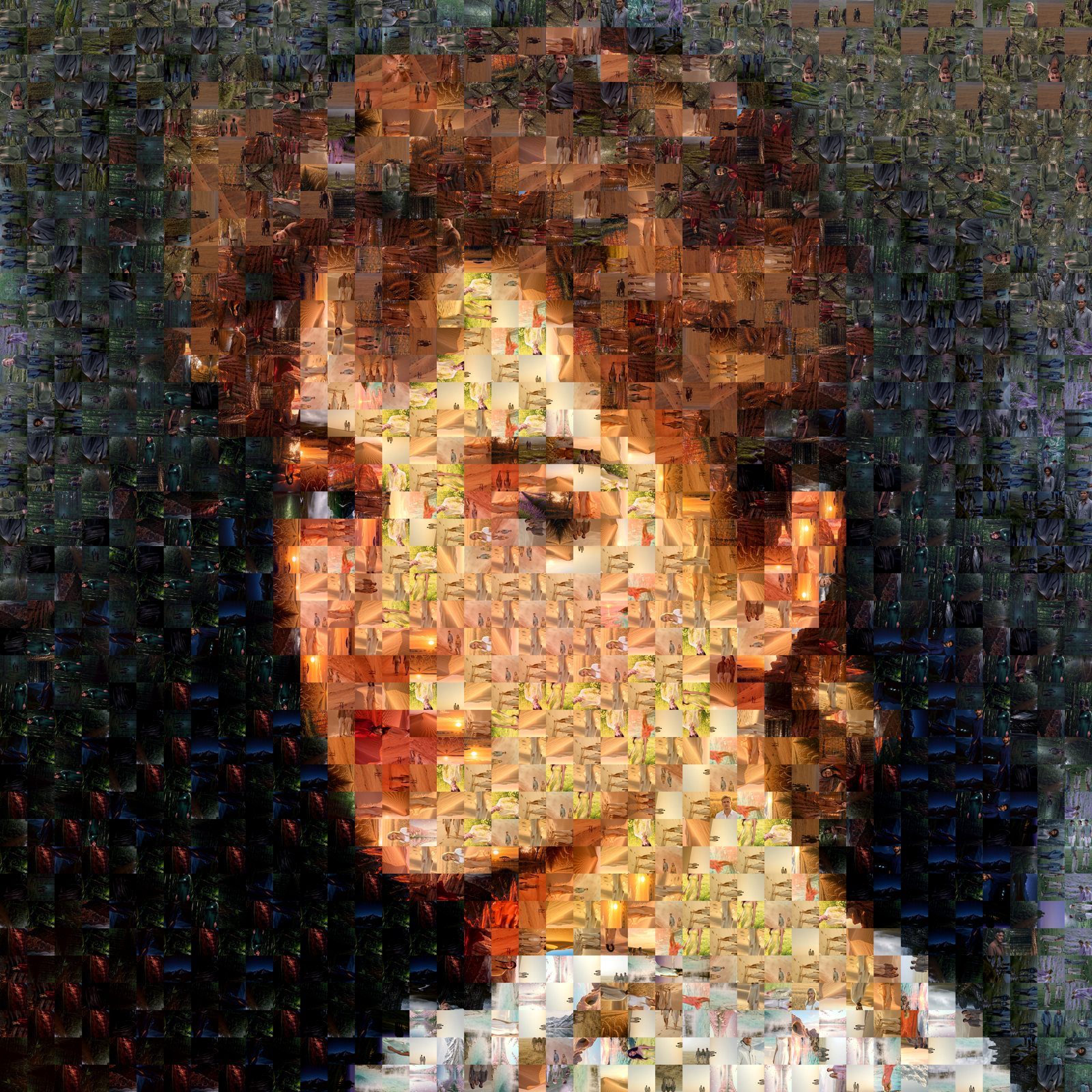
Optimization
Arrangement matters as much as selection. Repetition controls limit how often a single photo may appear; cell-size ranges let important regions carry finer detail; placement optimization keeps similar tiles from clustering.
The result of these controls is visible, not theoretical: fewer distracting repetitions, smoother tonal transitions, and detail where the main image needs it.
Image Analysis
Before matching begins, the main image is analyzed for the characteristics that drive good cell decisions — contrast, edges, tonal regions and areas of fine detail. This analysis informs where small cells earn their keep and where larger, calmer regions can carry the composition.
Cell Shapes and Patterns
The desktop software offers five cell shapes and multiple pattern styles — normal, cross and, in the PRO edition, concentric circles. Cell structure changes the mosaic's texture: a square grid reads calm and photographic; other shapes lend the surface a distinct character.
Illustrated with simplified shapes; the desktop software page lists the documented set.
Geometric patterns such as Voronoi regions and Delaunay triangles define cells through mathematical geometry. Edge-traced design takes a different approach: an artist creates the cell structure around important contours in the main image, then photo-matching software fills the cells. The structure is designed, not generated — see how edge-traced mosaic design differs from geometric patterns in practice.
What Decides Mosaic Quality
All of the pieces above converge on five visible properties of the finished artwork:
Main-image recognition
The subject reads instantly from a normal viewing distance.
Detail
Fine regions — eyes, text, silhouettes — survive translation into tiles.
Color consistency
Tonality stays faithful to the main image across the whole surface.
Tile visibility
Each cell remains a photograph worth looking at up close.
Visual balance
Repetition, scale and spacing feel intentional rather than mechanical.
Proven at Scale
These techniques are not new to us. The underlying practice began in 1998 and has supported projects for several Fortune 500 companies — including processing some 180,000 source photographs for the 660-square-meter P&G mosaic of 105,196 photographs that Guinness World Records certified as the largest photo mosaic in 2008.
About Our ExperienceSee the technology at work
Try it yourself in the software — or let us apply it to your project.